Personal AI Agent, live.

I set up a personal AI agent live, start to finish, on standard off‑the‑shelf tools.

Every step happens on screen, and every tool it runs on is named.
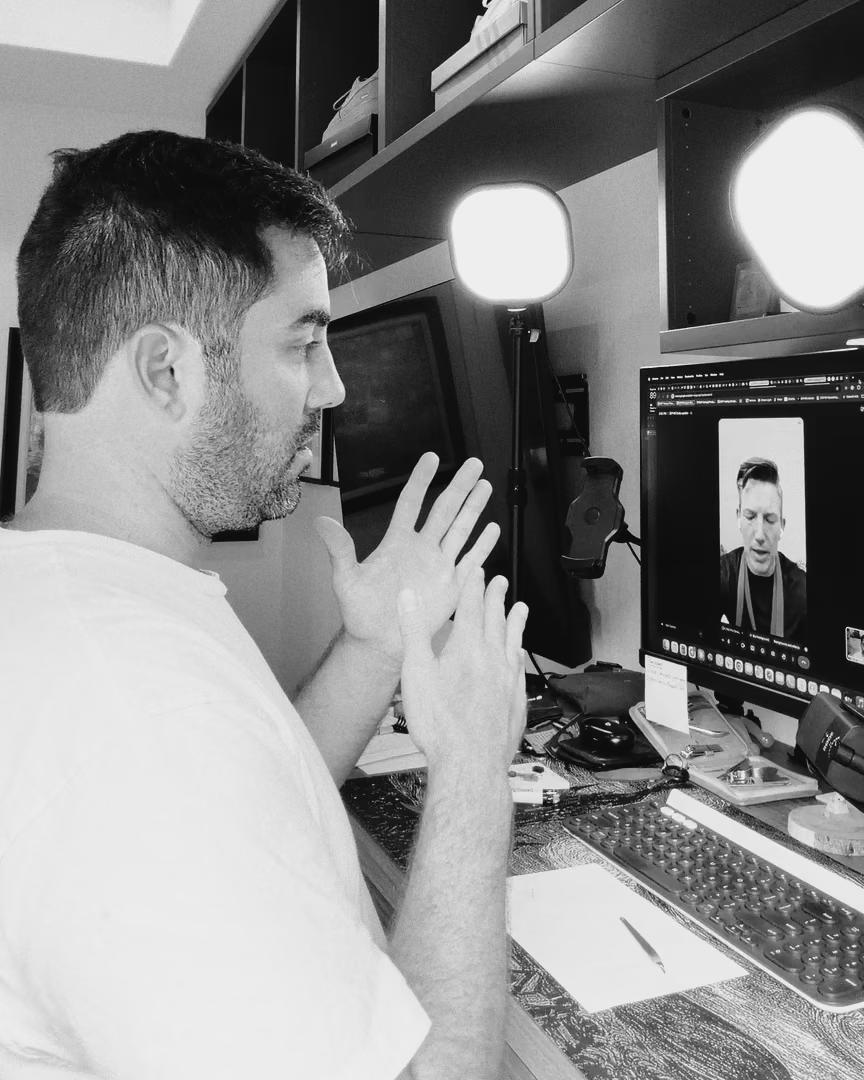
Brian Stewart at his desk on a video call, explaining with both hands
September 1, 2026Sep 1, 2026

Before the session

Watch, or build along on your own accounts. The replay covers any step you miss.

  • To build along, have ready

    • A Google Cloud account with billing turned onFor the server your agent runs on.
    • A Telegram account or a Slack workspaceWhere you’ll talk to your agent.
    • A Supabase accountFor the database your agent builds.
  • A computer with a steady connection. A phone is fine if you only want to watch.
  • A short list of jobs you’d hand an agent first.

During the session

Tue, Oct 20, 6–8 pm CT, on Riverside, about 2 hours.

Brian Stewart at his desk, hand on his chin, reading his monitor
September 1, 2026

What you’ll learn

  • How an agent speeds up the work you already do, without replacing your tools or your people.
  • How to run your own agent on a server you control, and talk to it from Telegram or Slack.
  • How to keep your company information in a database you own, so a platform changing its rules doesn’t change yours.

What we do, in order

  1. 1What we’re building, and whyMy own agent at work on a real job, with no client data on screen, and what just happened at Manus, Claude and OpenAI.
  2. 2Set up the agentHermes on a Google Cloud VM, every step on screen and every tool named.
  3. 3Talk to it where you workConnect it to Telegram or Slack.
  4. 4Teach it your businessWhat it should know about you, your customers and how you talk, and what it must never do.
  5. 5Give it a database you ownOnce it’s running, the agent builds it in Supabase.
  6. 6Your questionsThe chat is open the whole time, and the last block is for Q&A.

After the session

  • The replay by email within 48 hours, kept on brianwith.ai for 12 months.
  • A one-page list of every step, sent with the replay.
  • Anything the replay doesn’t answer: reply to your confirmation email.

When you buy

  • One payment of $47, by card. Seats close when we go live.
  • Your confirmation email arrives right away, with the calendar invite and what to have ready.
  • Your Riverside link comes by email 48 hours before we start, then again 24 hours and 1 hour before.
  • Full refund if you ask at least 24 hours before the start; after that the replay is yours. If I move or cancel the session, you choose a full refund or a seat at the new time. Refund policy
20OctTue

Live

Save a seat

  • $47 one time
  • Replay included
  • Your Riverside link comes by email 48 hours before we start, then again 24 hours and 1 hour before.

Or DM AGENT to @_brianjstewart on Instagram.

Date
Tuesday, October 20, 2026
Start
6pm CDT
Length
About 2 hours
Where
Riverside, recorded